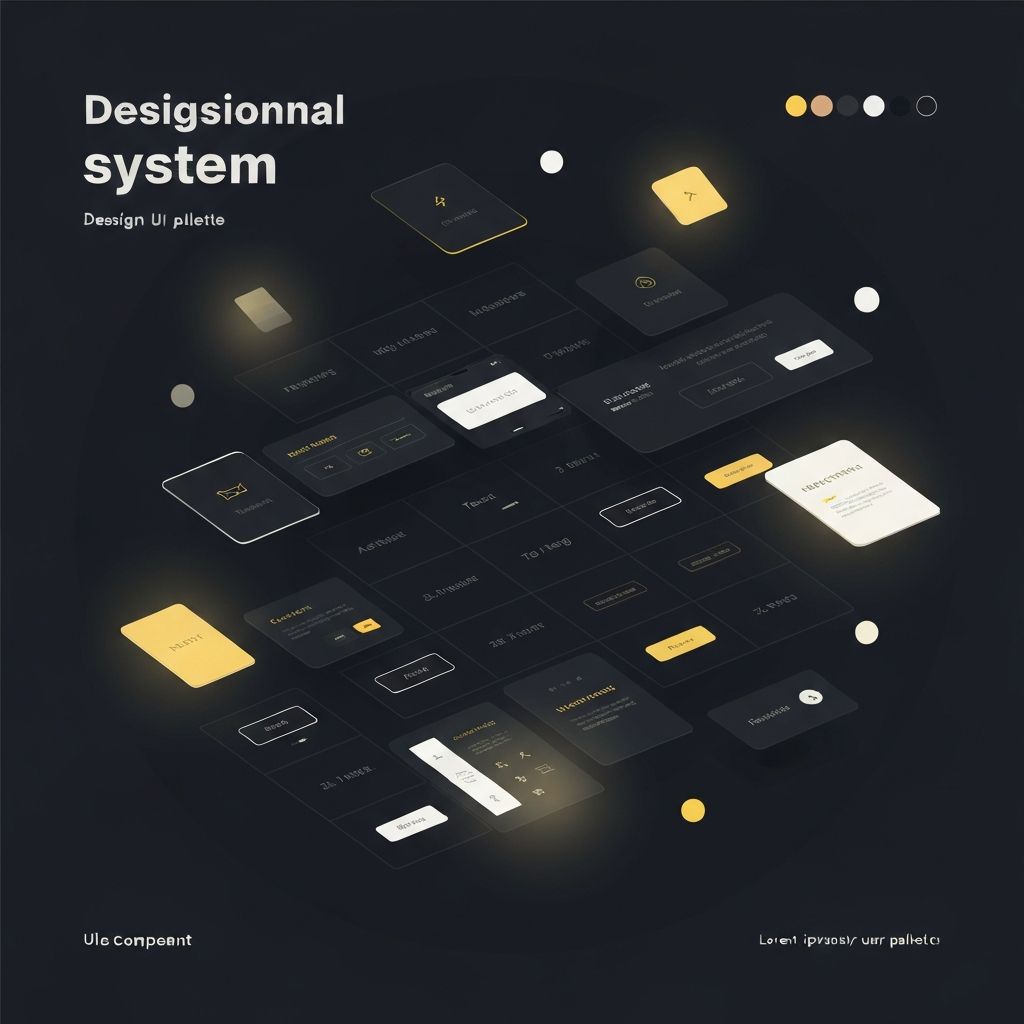
Design Systems: A Practical Guide for Product Teams
What Is a Design System?
A design system is a collection of reusable components, guided by clear standards, that can be assembled to build any number of applications. It is not a component library alone — it is the documentation, principles, and tooling that surround it.
Tokens First
Design tokens are the foundation. Colors, spacing, typography scales, and motion curves should be defined as named values rather than raw numbers. This makes global changes trivial and keeps design and code in sync.
{
  "--color-primary": "#3B82F6",
  "--radius-card": "1rem",
  "--duration-transition": "300ms"
}
Component Anatomy
Every component in the system should have a clear anatomy. Documented variants, states, and usage guidelines prevent misuse and reduce the number of one-off components that accumulate over time.
Governance
A design system without governance becomes stale quickly. Establish a clear process for proposing, reviewing, and publishing changes. A small working group — not a committee — tends to work best.
Adoption
Technical quality alone does not drive adoption. Teams use a design system when it is easier to use than to work around. Invest in documentation, tooling, and the onboarding experience.
Conclusion
A good design system is a product, not a project. Treat it accordingly: give it an owner, a roadmap, and regular releases.