
Mobius
Give every idea a trusted place to land
A truly native task manager built on the GTD methodology for both iOS and macOS. Inbox capture, projects, contexts, and weekly reviews free your mind from remembering and let you focus on what matters.

Getting Things Done, As Intended
David Allen's GTD remains one of the most proven personal productivity systems. Mobius builds that structure directly into the product experience instead of using it as a label.
Capture
Drop every thought, task, and loose end into the inbox immediately so nothing slips away and your mind can let go.
Clarify
Sort inbox items into projects, areas, or reference material, then assign contexts, deadlines, and priorities with intention.
Engage
Filter by context, such as @home, @computer, or @calls, and focus only on what can actually be done right now.
Review
A guided weekly review helps you scan every project, empty the inbox, and refresh task status so the system stays trustworthy.
A Closer Look at the Features
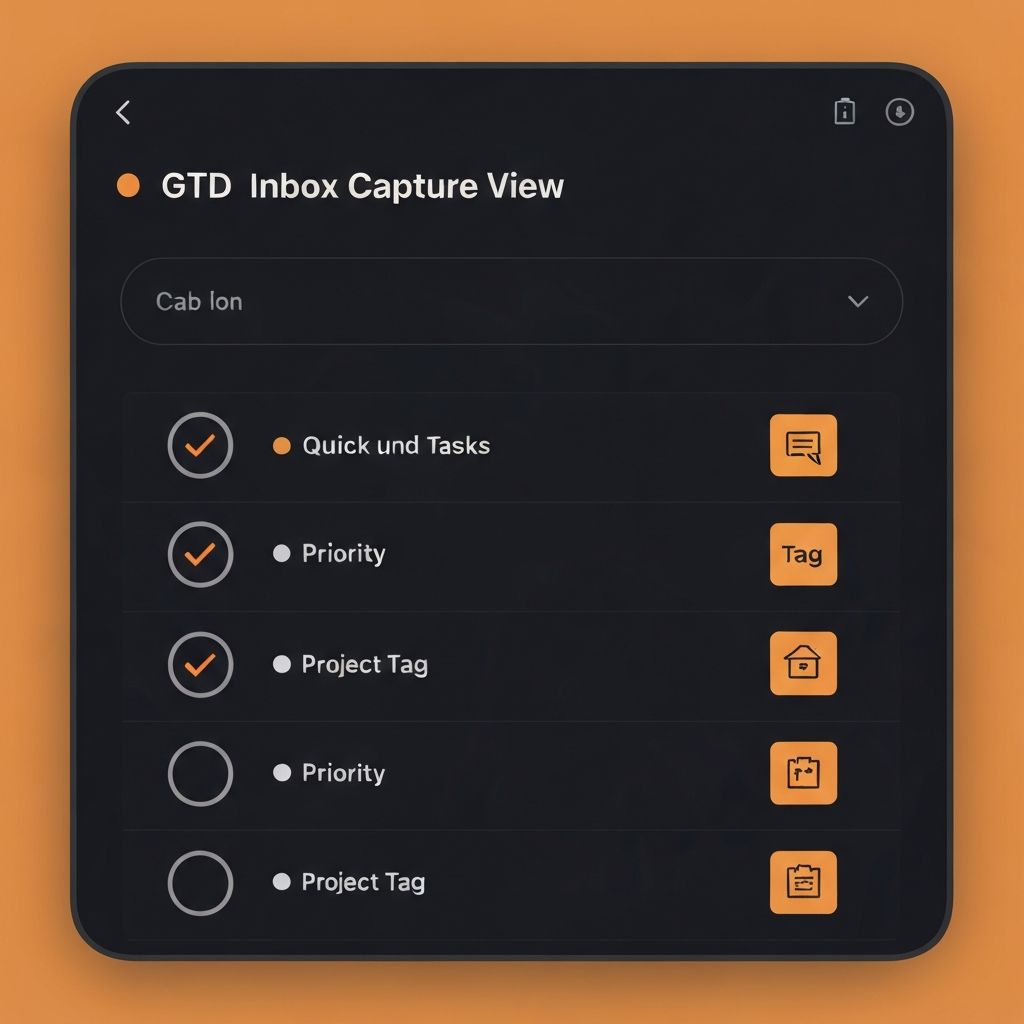
Inbox Capture, Mind Cleared
Use the global `⌘K` shortcut on Mac to capture instantly, or tap the Action Button on iPhone to record the thought before it disappears. Everything lands in one inbox first, ready to be clarified later without breaking your flow.
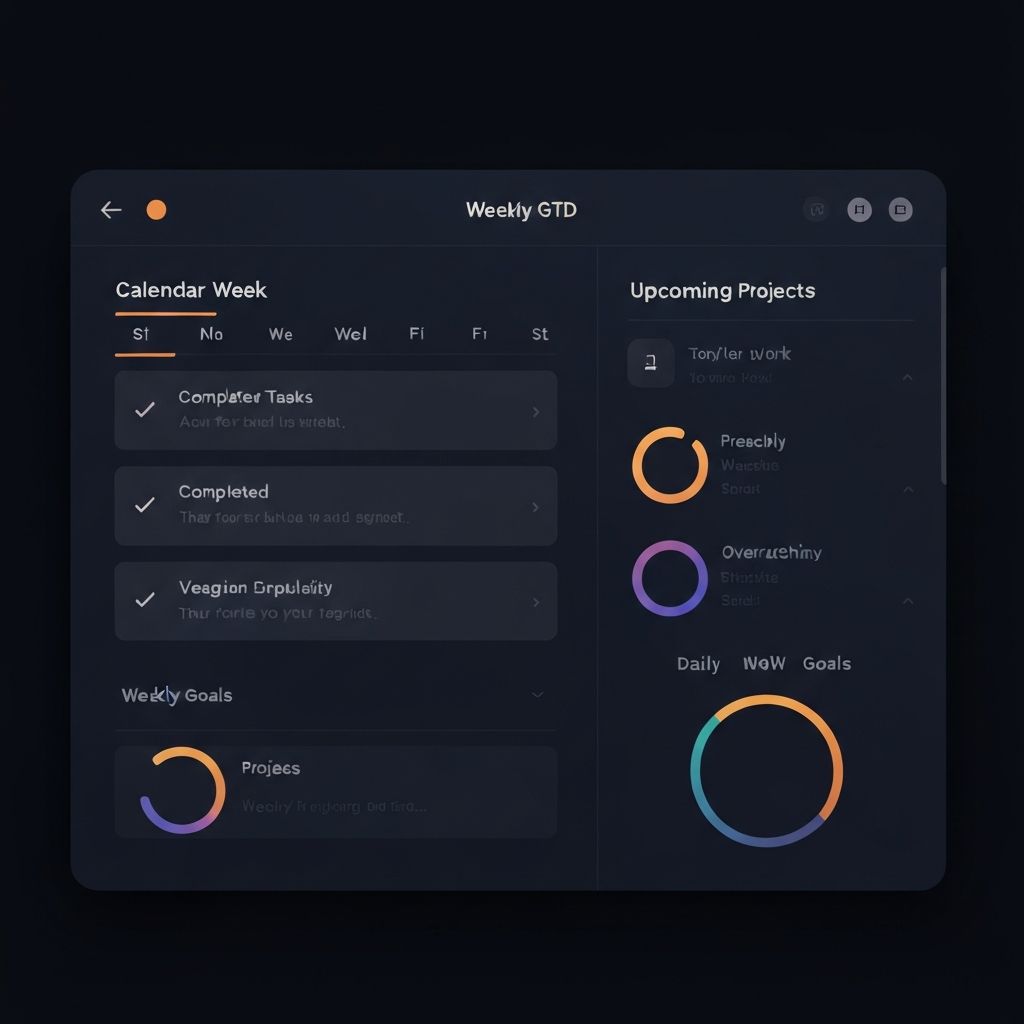
Weekly Review, System Reset
Every Friday, Mobius guides you through a full review: check every open loop, archive completed projects, and refresh the next week. Once the review is done, you feel that rare GTD state of a truly clear mind.
Today View, One Screen
The Today view on iOS and macOS surfaces the three most important tasks for the day, with a built-in Pomodoro timer and deep integration with Apple Calendar and Reminders. No app hopping, just look at the screen and do the work.

Gallery
Every frame is part of the product experience
Shipping in Iterations
We take every piece of feedback seriously.
- Added Kanban board view with drag-and-drop sorting
- Deep Apple Calendar integration with two-way sync between tasks and events
- Introduced AI-powered classification suggestions for inbox triage
- New widgets for today's task count and next action
- Added a guided weekly review flow
- Rebuilt context tags with custom colors and icons
- Enabled fast multi-window input on Mac
- Added Area hierarchy for work and life organization
- Shortcuts automation now triggers inbox reminders by time
- Optimized iPad split view with Stage Manager support
- Released synchronized iOS and macOS apps
- Shipped the four GTD steps: capture, clarify, engage, review
- Enabled real-time iCloud sync without account registration
Simple, Transparent Pricing
No tricks, no hidden fees, with support for App Store Family Sharing.
Monthly
Pay monthly and cancel anytime.
- Full feature access
- iOS and macOS apps
- Real-time iCloud sync
- Priority email support
Lifetime
Pay once, keep it forever, and get every future update.
- Full feature access
- iOS and macOS apps
- Real-time iCloud sync
- Priority email support
- Free lifetime updates
- Early beta access
Family Sharing
Share one lifetime license with up to six family members.
- Full feature access
- Up to 6 accounts
- Shared iCloud quota
- Priority support for families
- Free lifetime updates
All plans support App Store Family Sharing and come with a 14-day refund guarantee